A multi-track editor that opens in a browser tab
Cut on a real timeline, keyframe what moves, auto-subtitle it in Urdu, and export MP4 or WebM for Reels, TikTok and YouTube Shorts. No install, no watermark, no render queue.
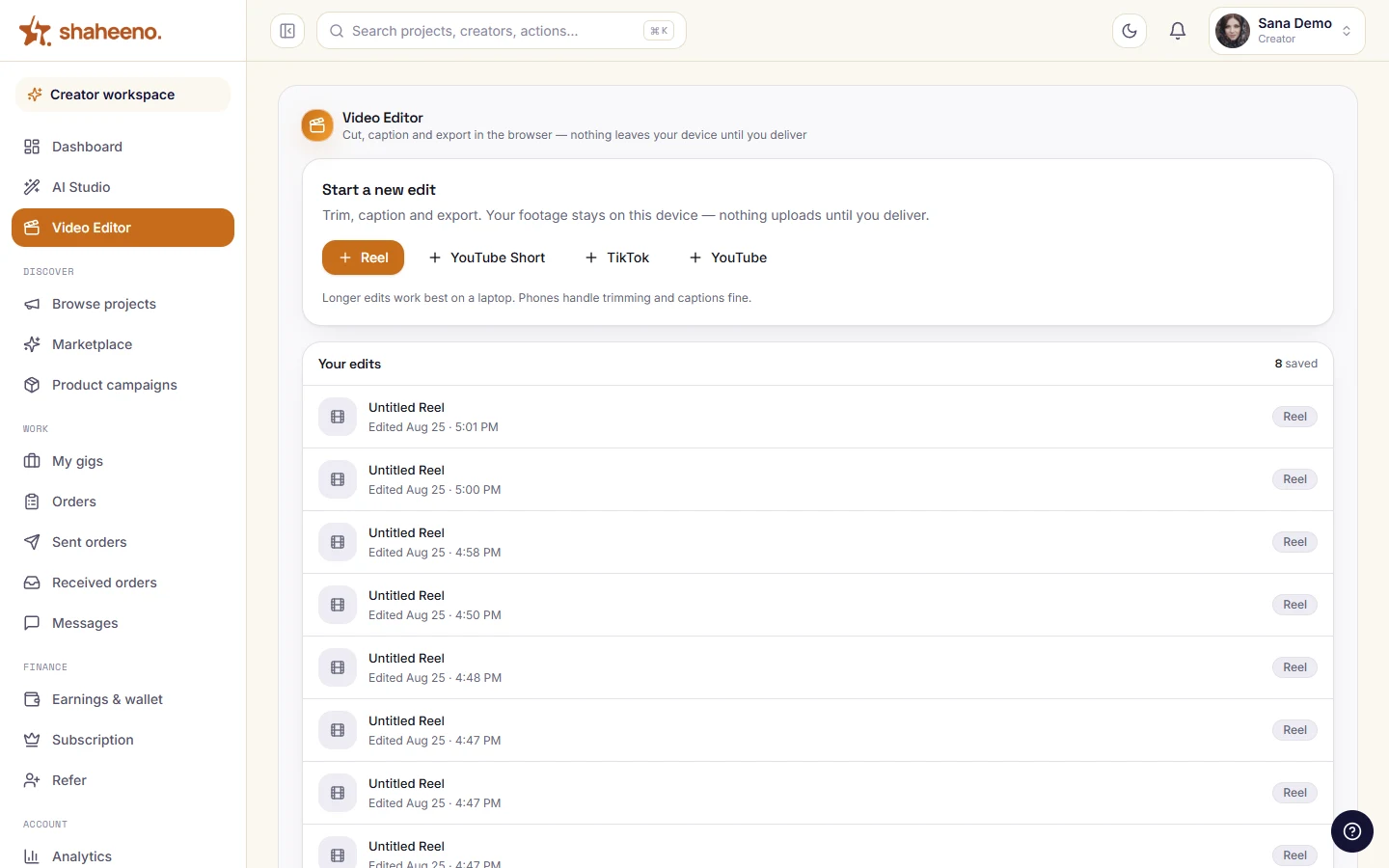
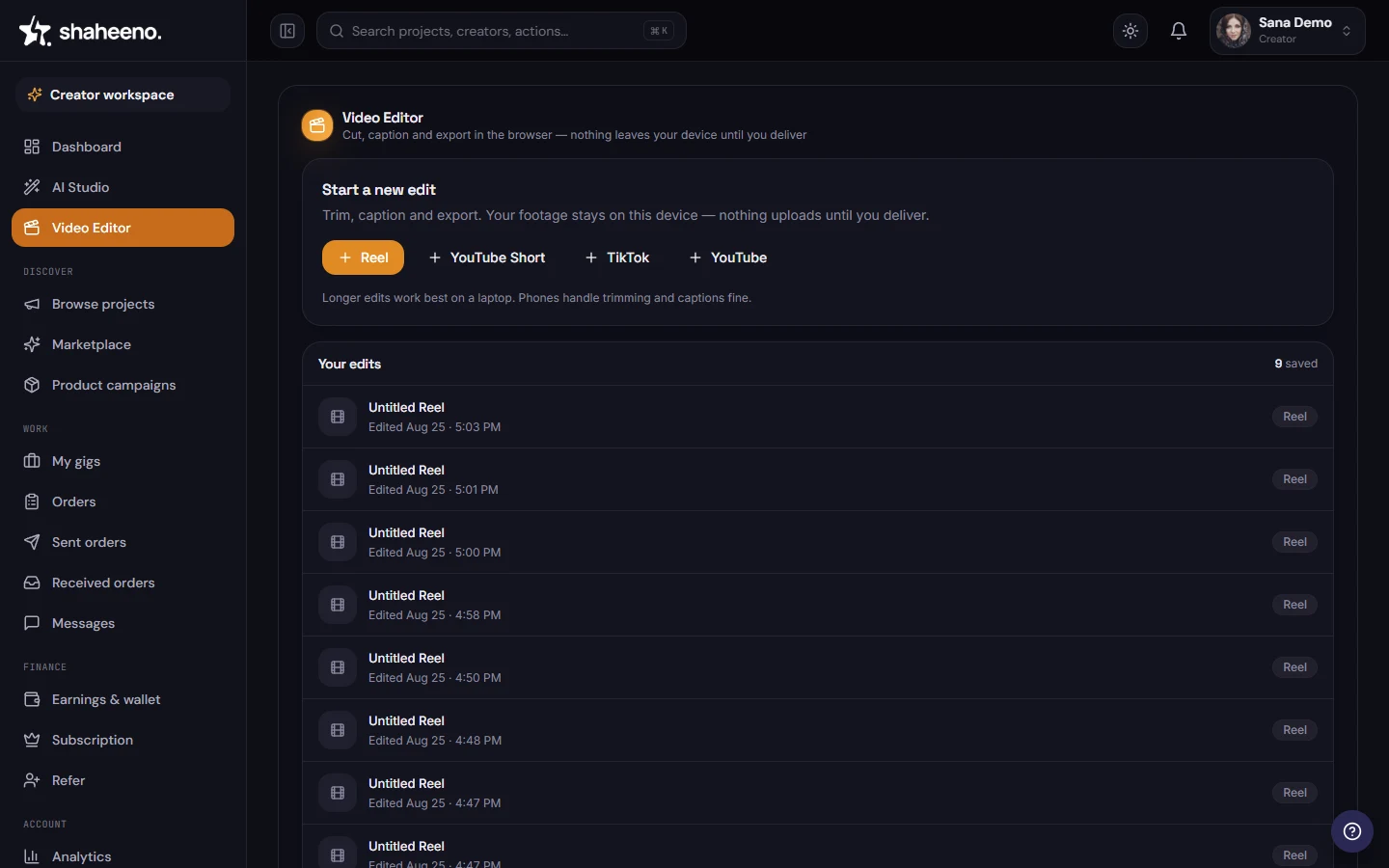
Your edits live in the creator workspace. Pick a shape and the project opens.
Self-driving demo of the real editor — hover to pause, click any step to explore yourself.
9
tools in the rail
5
track types
19
text presets
1,900+
font families
9
transitions
9
colour looks
10
caption languages
0.01×–5×
clip speed
On the timeline
What you can actually do
Named tool by tool, so you know what is in the editor before you open it.
A real multi-track timeline
Video, text, audio, graphic and effect tracks, stacked. Trim from either edge, split at the playhead, ripple-delete, duplicate, freeze a frame, detach a clip's audio — with snapping and full undo behind every move.
Keyframes, with the curve in your hands
Animate position, scale, rotation, opacity, volume and colour. Interpolation is linear, hold or bezier, and there is a graph editor on the toolbar when the default easing is not the easing you meant.
Urdu subtitles, written for you
Add subtitles without typing them. By default the timeline's own audio is sent to OpenAI's Whisper to transcribe; pick the in-browser model instead and it never leaves your machine. Urdu is second on a ten-language list, auto-detect is there, and the result arrives as an ordinary text track you can restyle. Existing .srt and .ass subtitle files import too.
Type that does not look like a default
Nineteen presets — meme, neon, highlighted caption, subscribe bug. Behind them, more than 1,900 Google font families served from this app, plus whatever is already installed on your machine.
Colour, masks and shapes
Brightness, contrast, saturation, hue, sepia and grayscale by hand, or one of nine looks in a click. Nine mask shapes including a freeform pen, and rectangle, ellipse, polygon and star as real vectors.
Export that starts immediately
MP4 (H.264) or WebM (VP9), four quality tiers, audio on or off. Your machine does the rendering, so the export begins the moment you click it.
Rendering happens on your machine and the file lands in your downloads — no render queue, no upload, nobody else's job ahead of yours.
Straight talk
What to expect before you open it
The limits are part of the design. Better to read them here than find them mid-edit.
Your video files stay on your machine
Clips are read from your machine and kept in your browser's own storage, and the export renders there too. The one thing that can leave is caption audio, sent to the cloud engine unless you pick the in-browser one.
Desktop, for now
Below 1024px the editor says so itself rather than pretending. Trimming on a phone is on the list; today it wants a laptop.
The edit lives on the machine you started it on
Because the project sits in that browser's storage, it does not follow you to another device — and clearing your site data clears it. Export when you finish a session.
One creator, one row
Every project record is scoped by row-level security in Postgres, so a missing filter is a no-op rather than a leak.
Quick answers
Video editor FAQs
Is the video editor free?
Yes — it opens inside your Shaheeno creator workspace with nothing to install and no watermark on what you export. You need an account, and the editor wants a desktop browser.
Where does my export go?
To your downloads folder. Your own machine renders the video — MP4 with H.264, or WebM with VP9, at one of four quality tiers — and hands the finished file to the browser. There is no render queue to wait in and no upload to sit through.
Does my footage get uploaded anywhere?
Your video files don't. Clips are read from your machine and stay in your browser's own storage while you cut; only the audio goes out, to OpenAI's Whisper, when you generate captions with the default cloud engine — the in-browser engine keeps that local too. The trade-off is worth knowing: because the project lives in that browser, it does not follow you to another computer, so export before you finish for the day.
Do the captions really work in Urdu?
Yes. Urdu is second on the language list, not buried at the bottom. By default OpenAI's Whisper transcribes the audio already on your timeline in the cloud (a smaller in-browser model is the offline alternative), then the result drops in as a normal text track you can restyle and retime. There is auto-detect and nine other languages, and you can import an existing .srt or .ass instead.
Can I edit on my phone?
Not yet. Below 1024px the editor shows a desktop-only notice instead of a cramped timeline. It is honest about it rather than shipping something unusable.
How many tracks can I use?
There are five track types — video, text, audio, graphic and effect — and a project holds a main video track alongside overlay and audio tracks. You can also build several scenes inside one project and switch between them from the timeline toolbar.
Can I slow a clip down or speed it up?
From 0.01× to 5×, and you can keep voices at their normal pitch while you do it.
Can I edit vertical video for Reels, TikTok and YouTube Shorts?
Yes. The editor opens from a format picker with Reel, YouTube Short, TikTok and YouTube presets, and the canvas handles 9:16 vertical at 1080×1920, 1:1 square at 1080×1080 and 16:9 at 1920×1080. Subtitles default to short three-word beats, which is the rhythm short-form audiences read.
How is this different from the AI Studio?
The AI Studio finds a thumbnail in your footage, writes the metadata, and publishes or schedules to the channels you connected in Social Manager; Go Live is the live control room next to it. The video editor is the cutting room: the timeline, the captions, the colour and the export. They all live in the same workspace, one click apart.